Paste a link from any website and ReadPad opens just the article: no ads, no pop-ups, no sidebars, every page joined into one text, with the original headings, bold and tables. Then listen to it, or send it to Claude, ChatGPT or Gemini with your question (Pro). ReadPad is a free text-to-speech extension for Chrome. It reads webpages, PDFs, Word files, screenshots and pasted text aloud with the voices on your computer, or free online voices in 53 languages. Numbers and money are read the way a person says them, and you always see how long the text takes. No subscription, no cloud voice bill.
Free to install · Pro is a one-time $10, works on up to 10 devices · no subscription
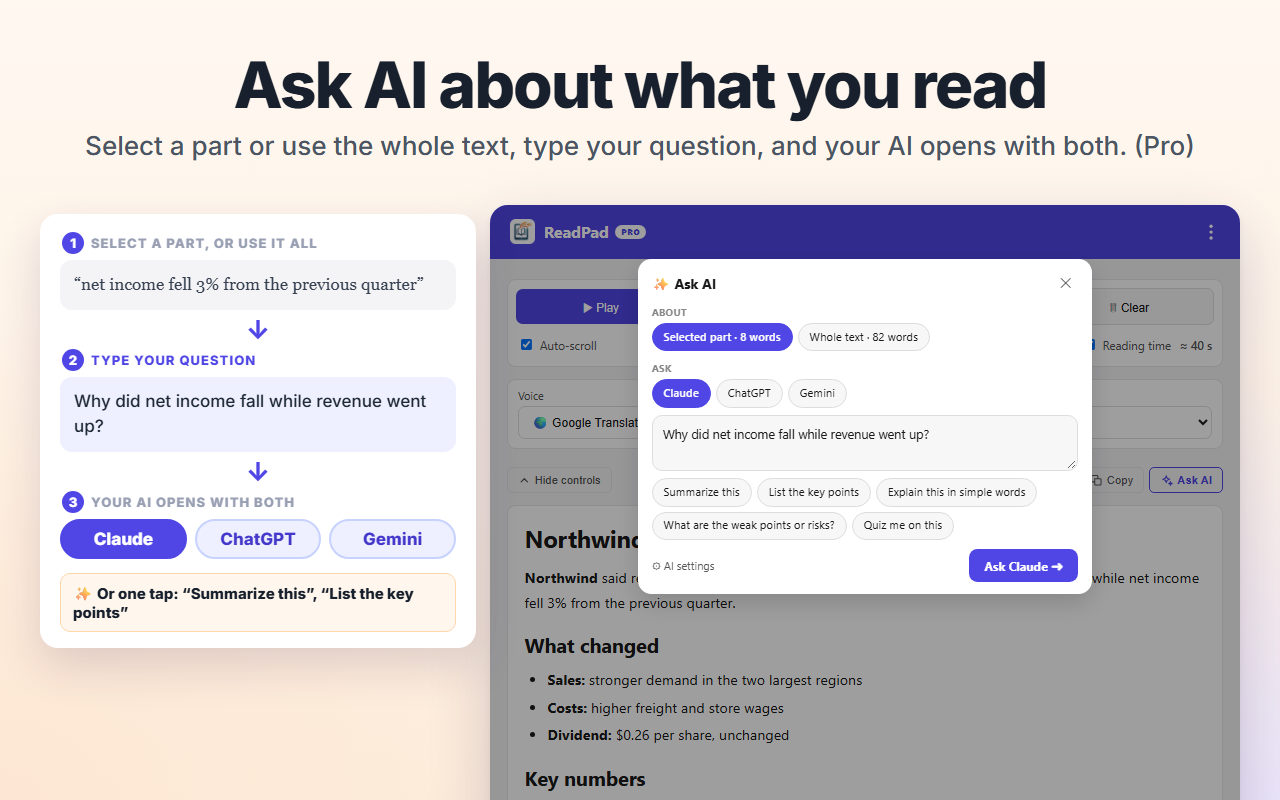
Your AI opens with the text and your question already typed in. Your own account, your own AI: ReadPad never sees the text or the answer.
New: any link without the ads, then hear it or ask AI · 1:26
The full tour: images, PDFs, translation, custom rules, bookmarks and history · 2:52
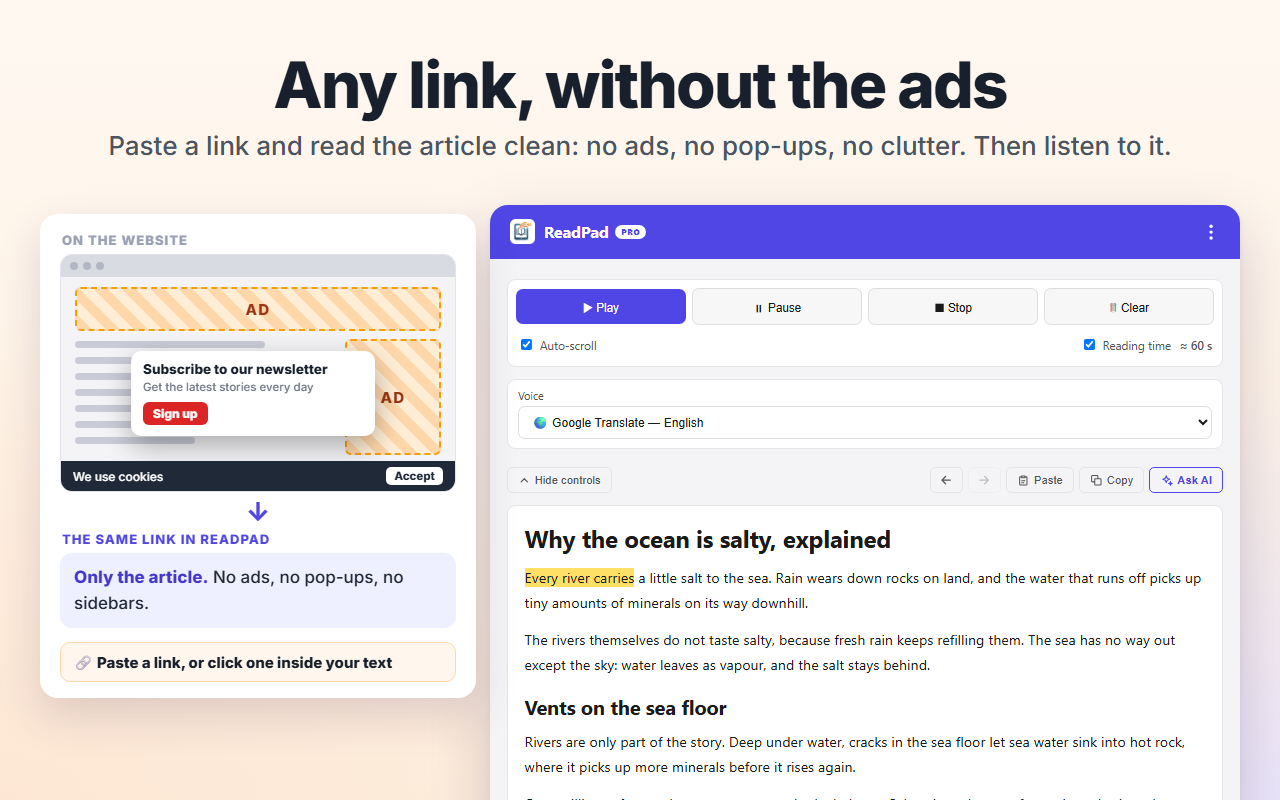
Paste a link, or click one inside your text, and only the article opens: no ads, no pop-ups, no cookie banners, no sidebars. Pages that need a login or a subscription can't be opened. New focus
One click sends the text, or just the part you selected, to Claude, ChatGPT or Gemini together with your question. Ask for a summary, an explanation, the risks, anything. Choose the answer language and length, and keep your own one-tap questions. ReadPad has no AI of its own and never sees your text or the answers. Pro New
When a site splits a story over page 2, 3 and "Next", ReadPad follows them to the end and joins them into one text. "Read also" boxes and photo captions are left out. New
Headings, bold, lists and tables look like the source, for web pages and for PDF, Word and EPUB files. New
Use the voices built into your computer and Chrome, or free online Google Translate voices. Nothing extra to install.
Paste a URL and ReadPad fetches the page and reads the actual article, not the raw link. Links inside your text are clickable too: one click and the article is read aloud.
Screenshots, photos, scanned pages: right-click any picture on a webpage, paste a screenshot, or drop an image file. ReadPad finds the text, in 30 languages, and reads it aloud. Pro
Paste text in any language, translate it into 53 languages, then have it read aloud. Pro
Open a .pdf, .docx, .epub, .odt, .html, .md, or .txt file straight into the Reader instead of copy-pasting it in by hand. Pro
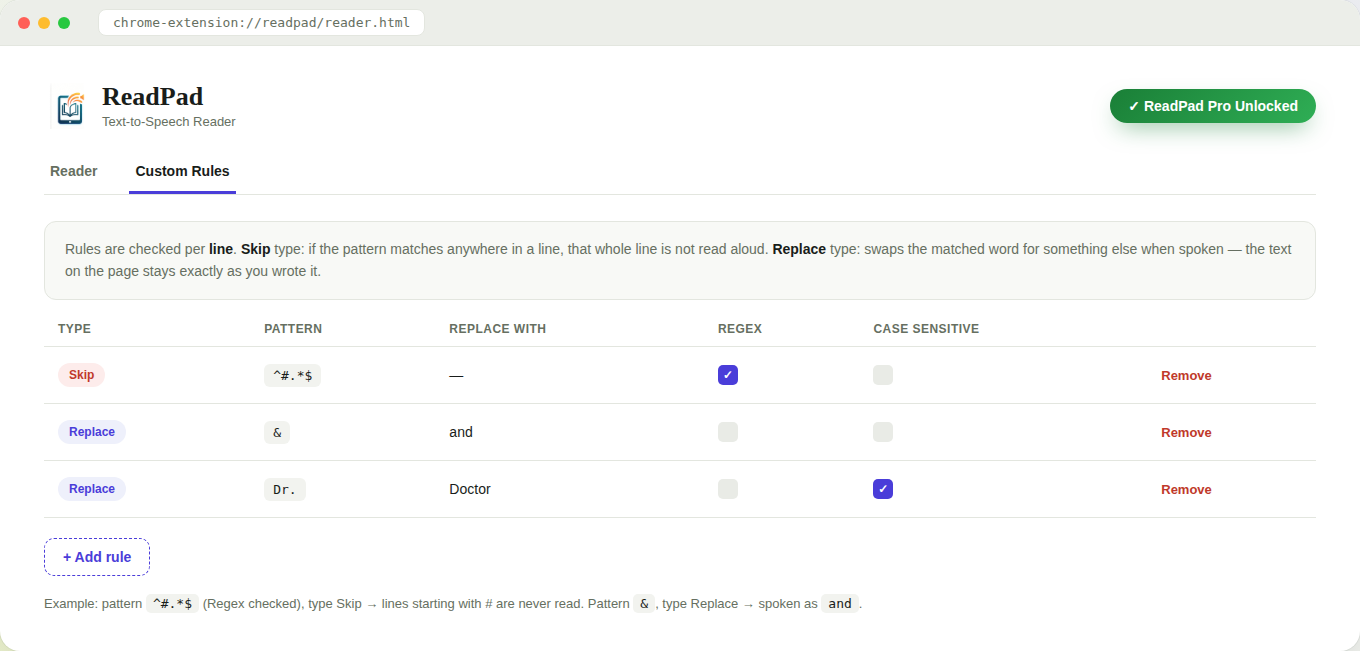
Tell ReadPad to skip certain lines, or replace one word with another when it's spoken. Pro
Money, percentages, quarters and finance shorthand are read the way a person says them, in 17 languages. “US$209 million (-37% QoQ)” becomes “209 million US dollars, minus 37 percent quarter on quarter”. Links, emoji and separator lines are skipped. New
See how long the whole text takes at your speed, and where you are while it reads, like 1:23 / 4:10. It learns how fast your voice really speaks. On Android, drag the slider in the notification to jump ahead, like a music player. New
Everything ReadPad reads for you, in the Reader or on a webpage, is kept for 7 to 90 days (you choose). One click to hear it again, and you can clear it any time. New
Reading a book or a long report? Bookmark where you are. A bookmark sits beside that line, and one click picks up reading from exactly there. New
Jump between the texts you've read, like in a browser. Hide the controls when you just want the text, and the floating bar keeps Play, Pause and Stop in reach. New
Big Play, Pause and Stop buttons, a floating control bar on long texts, light or dark mode. Speed, pitch and volume fold away, and everything else sits in one ⋮ menu.
ReadPad detects the language of your text and picks a matching voice automatically.
Double-click any word in the reading area and ReadPad picks up from exactly that point.
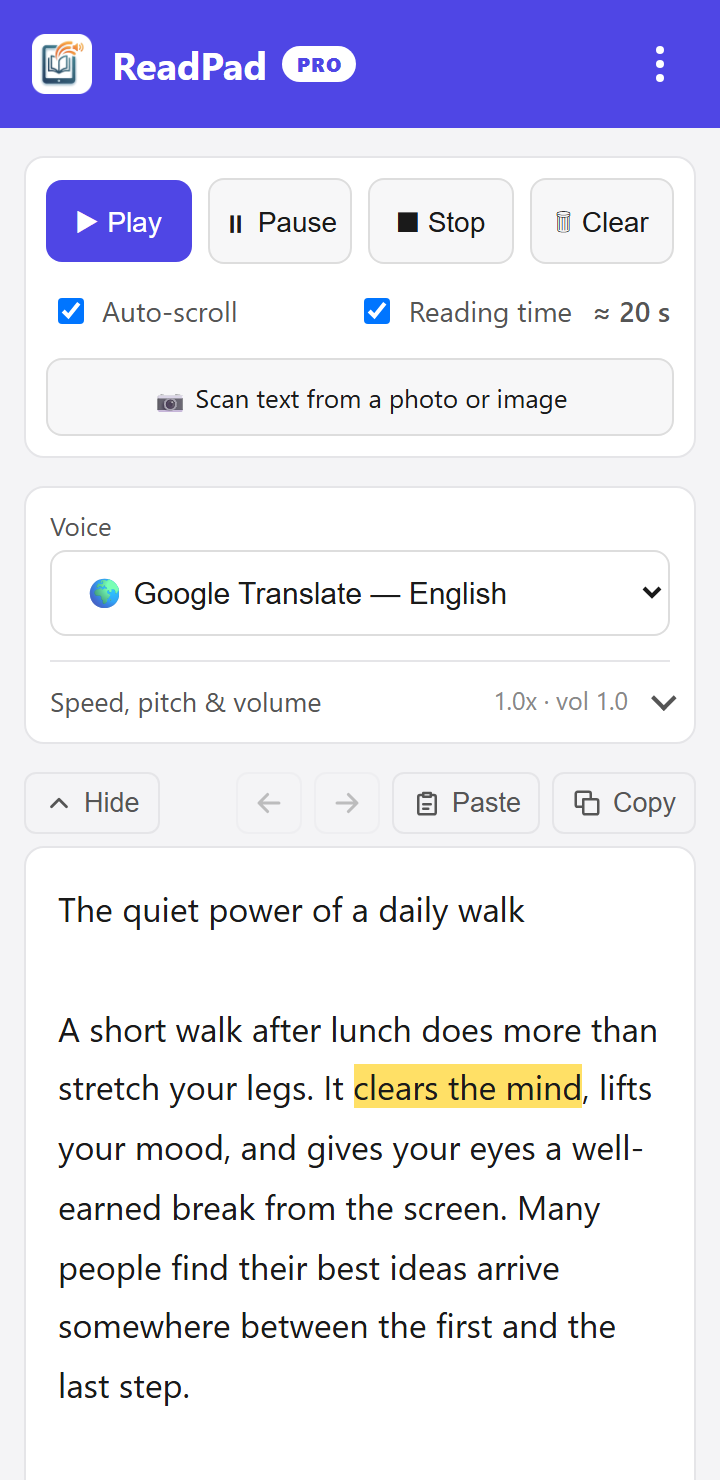
The same Reader, built for your phone. Share an article or select text in any app, tap ReadPad, and it starts reading right away.
Use the same Google account in all three steps. To qualify for free Pro, stay opted in and don't uninstall the app until the 14-day beta ends.
Free to install, free to use for reading. Unlock Pro whenever you're ready — one payment, yours for life.
 ReadPad